Setting Up Your CustomVoice Account
Access the CustomVoice platform by navigating to the official website and completing the registration process with a verified email address. Once logged in, navigate to the account dashboard where you can select subscription tiers ranging from basic to enterprise levels. The basic tier supports up to five custom voices per month while enterprise unlocks unlimited training hours and priority support. Verify your payment details to unlock full API access for seamless integration later.
Preparing High-Quality Voice Samples
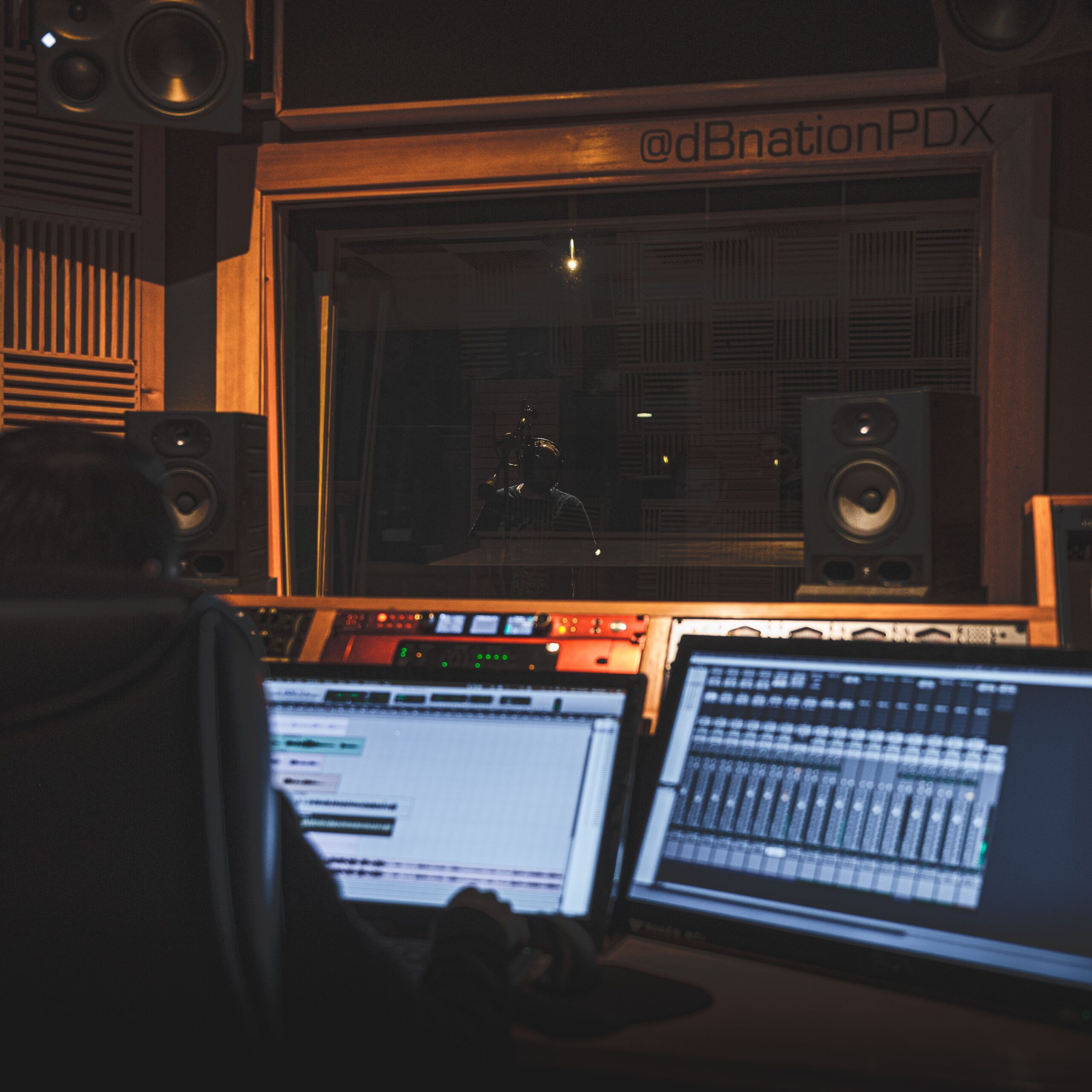
Gather audio recordings in a controlled environment with minimal background noise using a professional microphone such as the Audio-Technica AT2020. Aim for 30 minutes of clean speech covering diverse phonetic patterns including vowels consonants and intonations. Record in WAV format at 48kHz sample rate to maintain fidelity during upload. Avoid echoey rooms by using sound dampening panels and speak at a consistent volume between 60 and 70 decibels.
Recording Techniques for Optimal Results
Position the microphone 15 centimeters from your mouth and maintain a steady posture throughout sessions. Use scripts that include numbers dates and emotional expressions to train the model comprehensively. Break recordings into 10-minute segments to prevent vocal fatigue. Employ noise-cancellation software like Audacity beforehand to filter low-frequency hums without altering voice timbre.
Uploading Samples to the Platform
Drag and drop your prepared files into the CustomVoice upload portal or connect via cloud storage integrations like Google Drive. The system automatically analyzes sample quality and flags issues such as clipping or excessive silence. Label each file with metadata including speaker name accent type and intended use case for better organization during training.
Initiating the Voice Training Process
Select the uploaded dataset from your library and choose the training duration option between standard four-hour cycles or extended eight-hour sessions for complex voices. CustomVoice employs neural network algorithms to clone timbre pitch and prosody patterns. Monitor progress through real-time dashboards showing loss metrics and convergence rates. Interrupt training only if sample quality alerts appear to avoid suboptimal models.
Refining Model Parameters Post-Training
Adjust sliders for pitch variation speed modulation and emotional intensity within the voice editor interface. Test outputs by inputting sample texts like news articles or dialogues to evaluate naturalness scores. Iterate by adding supplemental recordings if specific phonemes underperform and retrain selectively on those segments.
Integrating Custom Voices into Applications
Generate API keys from the developer section and embed them into your code using Python libraries or JavaScript SDKs provided by CustomVoice. Convert text strings to speech with parameters specifying the custom voice ID and output format such as MP3 or OGG. Scale usage by setting rate limits and monitoring token consumption through the analytics panel.
Advanced Customization Features
Leverage style transfer tools to blend your custom voice with celebrity archetypes or regional dialects available in the library. Apply fine-grained controls for breathing pauses and emphasis markers using SSML tags supported by the platform. Export models in ONNX format for offline deployment on edge devices.
Troubleshooting Audio Artifacts
Address robotic outputs by increasing sample diversity or extending training epochs. Fix mismatched accents through targeted fine-tuning with additional regional speech data. Resolve latency issues during real-time synthesis by optimizing server endpoints or upgrading to dedicated GPU instances.
Security Measures for Voice Data
Encrypt all uploaded samples using AES-256 standards before storage on CustomVoice servers. Enable two-factor authentication and review access logs regularly to prevent unauthorized model usage. Comply with data retention policies by deleting samples after model finalization if privacy regulations require it.
Best Practices for Long-Term Voice Maintenance
Schedule periodic retraining every six months to incorporate vocal changes due to age or health factors. Archive multiple versions of your custom voice to compare performance metrics over time. Collaborate with team members by sharing model access through role-based permissions without exposing raw audio files.
Exploring Use Cases Across Industries
Media producers utilize CustomVoice for consistent narrator voices in podcasts while game developers create character-specific dialogues. Educational platforms generate personalized tutor voices to enhance learner engagement. Healthcare applications deploy custom voices for patient reminders maintaining familiarity and trust.
Optimizing for Multilingual Support
Train hybrid models by combining base language samples with target language phrases to achieve accent-accurate outputs. CustomVoice supports over 50 languages with automatic phoneme mapping. Validate cross-lingual consistency by running A/B tests on translated scripts.
Monitoring Performance Metrics
Track metrics including mean opinion score word error rate and synthesis speed directly from the insights dashboard. Export CSV reports for external analysis and identify bottlenecks in production pipelines. Adjust hardware allocations based on usage spikes during peak hours.
Scaling Custom Voice Projects
Batch process multiple voice creations using the bulk upload feature for agencies handling large client rosters. Allocate separate workspaces per project to maintain isolation and version control. Integrate with CI/CD pipelines for automated voice updates in software releases.