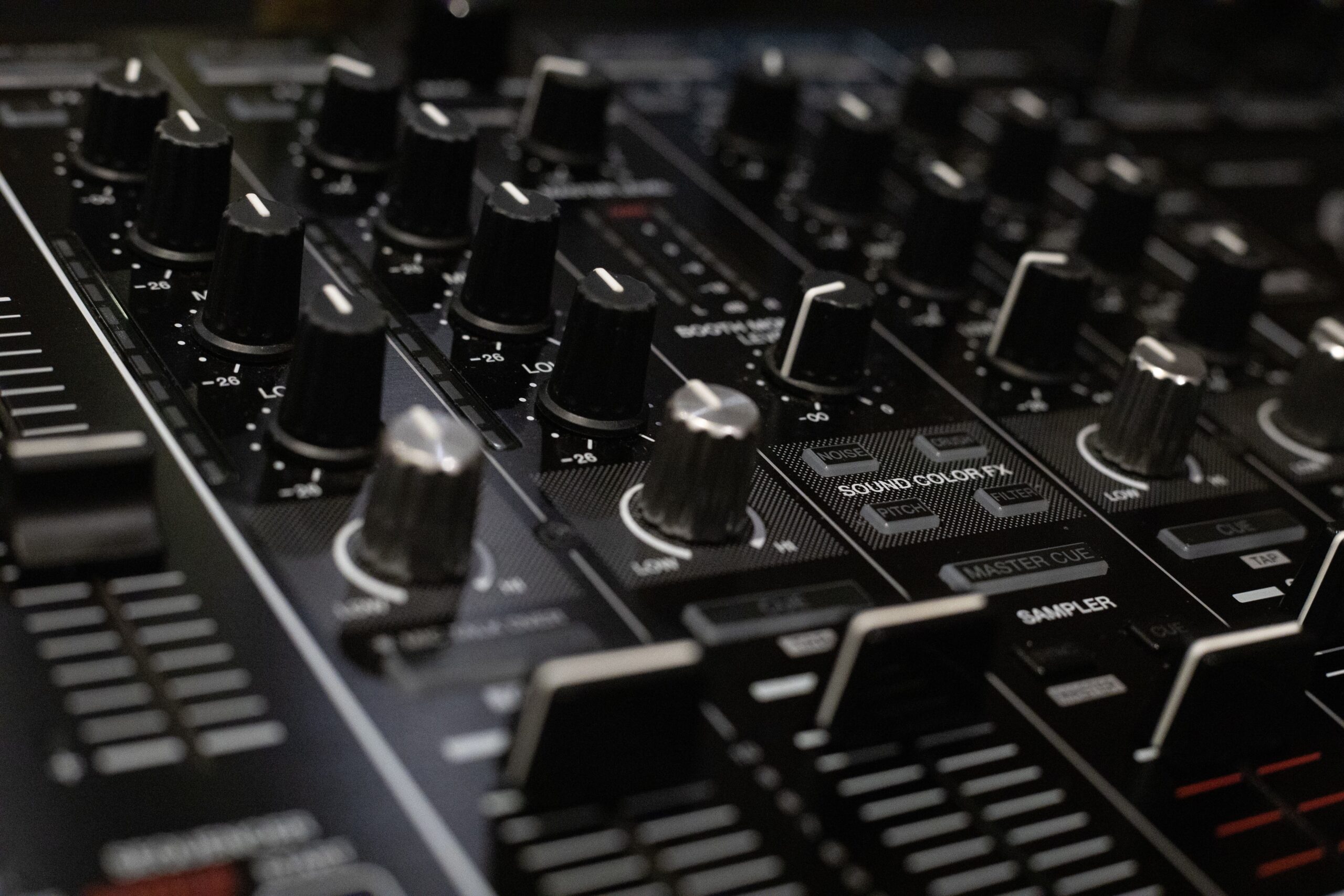
Gain staging refers to the deliberate management of audio signal levels at every stage of the recording, mixing, and mastering chain to maintain optimal headroom, minimize noise, and preserve dynamic range. In audio production, this practice ensures that each processor, plugin, or hardware unit receives a signal within its ideal operating range, typically between -18 dBFS and -12 dBFS in digital systems for peak levels while keeping average levels around -20 dBFS to -16 dBFS. Proper gain staging prevents clipping, reduces unwanted distortion, and allows subsequent effects like compression and equalization to function as intended without introducing artifacts.
Core Principles of Signal Flow Management
Audio signals travel through multiple stages including microphones, preamps, interfaces, DAW tracks, plugins, buses, and outputs. At each point, input gain must be adjusted so the output does not overload the next device. Engineers monitor levels using peak meters, RMS meters, and VU-style displays to balance transient peaks with sustained energy. For instance, when recording a vocal, the preamp gain is set so the loudest passages reach -6 dBFS without hitting zero, leaving headroom for post-processing. This approach applies equally to instruments, drums, and virtual instruments where plugin chains can accumulate gain unexpectedly.
Historical Context in Recording Technology
Early analog consoles required careful gain staging because tape saturation and tube distortion occurred outside narrow windows. Engineers learned to hit tape at +3 dB to +5 dB for warmth while avoiding print-through. Digital conversion in the 1980s introduced new constraints with fixed 0 dBFS ceilings, making precise staging essential to avoid harsh quantization noise at low levels. Today’s hybrid workflows blend both worlds, requiring consistent staging across analog outboard gear and digital plugins that emulate those behaviors.
Benefits for Clarity and Headroom Preservation
Maintaining correct gain structure delivers cleaner mixes with wider dynamic range. Overdriven plugins produce intermodulation distortion that masks frequencies, while underdriven signals suffer from increased self-noise when boosted later. Proper staging keeps noise floors low and allows automation to operate smoothly without sudden level jumps. Mixes gain better translation across playback systems because the signal path remains linear until intentional nonlinear processing like saturation is applied.
Digital-Specific Considerations
In DAWs, floating-point processing offers headroom beyond 0 dBFS internally, yet analog-modeled plugins and hardware emulations clip at digital zero. Setting track faders at unity gain and using dedicated gain plugins or input trims before heavy processing avoids cumulative buildup. Bus processing benefits when subgroup levels stay below -12 dBFS, preventing master bus overload during summing. Sample rate and bit depth choices interact with staging because higher resolutions tolerate slightly hotter levels before dithering artifacts appear.
Step-by-Step Workflow for Consistent Results
Begin by calibrating monitoring levels so 0 dBFS corresponds to a comfortable listening volume around 85 dB SPL. Record or import tracks while watching input meters, adjusting preamps or virtual instrument volumes to peak near -12 dBFS. Insert a gain utility plugin first in every channel strip to normalize incoming levels if needed. Apply EQ and compression only after confirming the source sits in the sweet spot for each processor. On group buses, trim outputs to maintain the same target range before routing to the master. Finally, verify the master bus peaks around -6 dBFS for export, allowing mastering headroom.
Common Pitfalls and How to Avoid Them
Many producers push faders high early, forcing later stages into unnecessary attenuation that amplifies any accumulated noise. Ignoring plugin order leads to compressors receiving clipped signals and producing pumping. Relying solely on peak meters without RMS awareness can leave mixes too quiet on average, requiring excessive limiting downstream. Virtual instrument libraries often ship normalized to -6 dBFS peaks; lowering their internal volumes prevents immediate overload on the first insert.
Plugin and Hardware Tools That Simplify Staging
Dedicated gain plugins such as those offering precise dB adjustments with metering provide visual confirmation at each chain position. Console emulation bundles include input gain knobs calibrated to classic desks. Hardware interfaces with onboard DSP meters allow real-time adjustment during tracking. Metering suites displaying simultaneous peak, RMS, and loudness values help maintain consistency across sessions.
Genre-Specific Applications
In electronic music, heavy sidechain compression and parallel processing demand conservative staging so summed layers do not clip the master. Rock productions benefit from staging that preserves drum transient impact while allowing guitar distortion pedals to add character without mud. Orchestral recording requires wide headroom for dynamic swells, with individual mic preamps set conservatively to accommodate conductor-driven crescendos.
Advanced Techniques for Professional Engineers
Multiband gain staging isolates frequency ranges before processing, ensuring low-end energy does not trigger unwanted compression on highs. Parallel gain-matched paths allow blending of processed and dry signals at equal perceived loudness. Automation of gain trims during long takes compensates for performer movement or instrument changes. Reference track analysis involves matching staging levels first, then comparing tonal balance without level bias.
Measurement Standards and Calibration Practices
Adopt EBU R128 or ATSC A/85 loudness targets during mixing so integrated LUFS values guide overall gain rather than peak chasing alone. Calibrate DAW meters to match hardware console scales using test tones at 1 kHz. Periodic null testing of bypassed chains confirms no unintended gain changes have crept in from plugin defaults.
Interaction with Loudness Normalization Platforms
Streaming services normalize to targets like -14 LUFS, making early over-compression counterproductive. Proper staging keeps mixes dynamic enough to survive normalization without sounding thin. Exporting at appropriate levels avoids the need for post-export gain changes that could reintroduce clipping.
Training the Ear for Level Awareness
Develop sensitivity to how 3 dB shifts affect perceived punch and clarity by A/B testing staged versus unstaged versions of the same session. Practice identifying when a plugin is starved or overloaded by listening for loss of detail or added harshness. Regular comparison with commercial references at matched staging levels sharpens judgment.