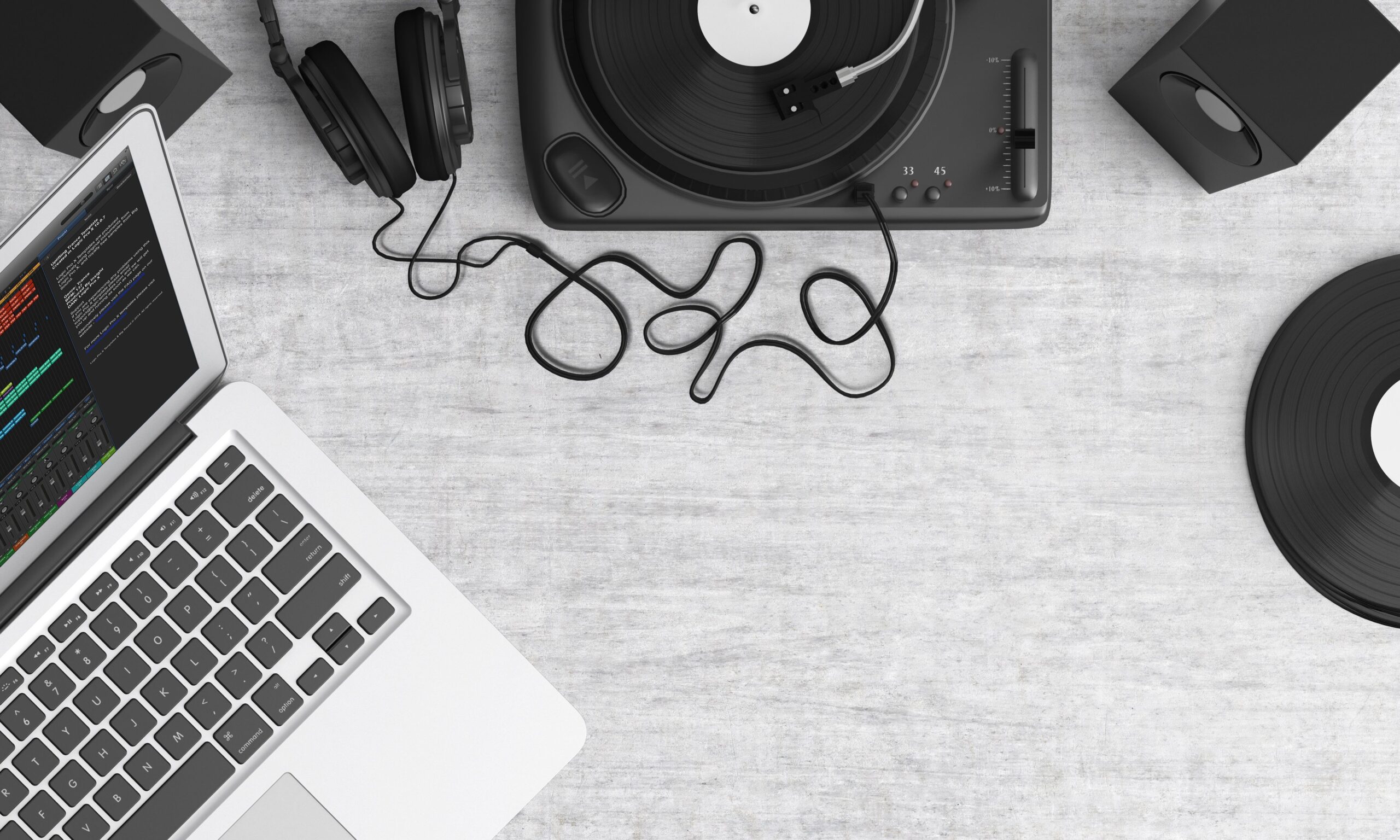
The Fundamentals of AudioBlending Techniques
AudioBlending refers to the process of seamlessly integrating multiple audio tracks to create a cohesive soundscape. This technique is essential in music production, podcasting, film scoring, and video game audio design. Beginners often start by learning how to layer sounds without causing phase issues or frequency clashes. To begin with audio blending, you need a digital audio workstation (DAW) such as Ableton Live, FL Studio, or Adobe Audition. These tools allow you to import various audio files and manipulate them using volume automation, panning, and effects processors. One key aspect is understanding frequency ranges. Low frequencies from bass and kick drums can muddy the mix if not blended properly. Use EQ to carve out spaces for each element. For example, cut frequencies below 100Hz on non-bass instruments to let the kick punch through. Next, consider dynamics. Compression helps even out levels, making the blend more consistent. Apply a compressor with a ratio of 4:1 and adjust the threshold to catch peaks without squashing the sound too much. Reverb and delay add depth. Short reverb times keep elements close, while longer ones create space. When blending vocals with instruments, a touch of reverb on the vocal can make it sit better in the mix. Panning is crucial for stereo width. Place elements left and right to avoid center clutter. Lead vocals usually stay centered, while guitars and synths can be panned to sides. Automation is where true artistry in audio blending comes in. Automate volume to highlight certain parts at different times. For instance, bring up the guitar solo during its section. In podcasting, audio blending involves mixing voice with background music and sound effects. Keep music at -18dB to not overpower the speaker. Use ducking effects where music lowers when voice is present. For film, blending dialogue, Foley, and score requires careful balancing. Dialogue is priority, so ensure it’s clear. Research shows that professional mixes use multiband compression for targeted blending in specific frequency bands. Layering ambient textures with rhythmic elements creates emotional impact in game audio. Start simple by blending two tracks before advancing to complex arrangements with ten or more layers. Phase cancellation occurs when identical waveforms align negatively, so flip polarity on duplicate tracks to test. High-pass filters remove rumble from microphones during vocal blending sessions. Sidechain compression pumps the bass in response to kick hits for dance music blends. Experiment with saturation to add harmonic warmth that glues elements together naturally. Mid-side processing widens the stereo field while keeping mono compatibility for club systems. Reference tracks from similar genres guide blending decisions on balance and tone. Gain staging prevents clipping before the final master bus. Parallel processing blends dry and effected signals for punch without losing clarity. Transient shaping controls attack and sustain on drums when layering kits.
Essential Tools and Software for AudioBlending Beginners
Beginners benefit from free DAWs like Cakewalk or Reaper to practice audio blending without upfront costs. Stock plugins suffice initially, including basic EQ, compressor, and reverb units. Third-party options like FabFilter Pro-Q 3 offer visual frequency displays that speed up carving spaces during blends. iZotope Ozone provides AI-assisted mastering tools that analyze and suggest blending adjustments across the spectrum. Hardware like audio interfaces with low-latency monitoring helps hear real-time blends accurately. Headphones such as Sony MDR-7506 deliver flat responses ideal for detailed mixing work. Studio monitors from Yamaha HS series reveal low-end issues that headphones might hide. MIDI controllers with faders enable tactile automation of blend parameters. Cloud-based platforms like Soundtrap allow collaborative audio blending sessions remotely. Mobile apps including GarageBand introduce concepts on the go before scaling to desktop setups. Sample libraries from Splice supply royalty-free sounds ready for immediate layering experiments.
Step-by-Step Process to Master AudioBlending
Import your raw tracks into separate channels and label them clearly for organization. Solo each track to identify problems like unwanted noise before blending begins. Apply corrective EQ first to tame harsh resonances around 2-5kHz on vocals. Then balance volumes starting with the foundational elements like drums and bass. Introduce melodic layers next, adjusting panning for width. Add effects sends for shared reverb to unify the space. Use buses to group similar tracks such as all percussion for collective processing. Check mono compatibility by collapsing the mix to ensure nothing disappears. Iterate through sections, refining transitions with crossfades or volume rides. Export stems for further refinement in another session if needed. Practice daily with short exercises blending just a drum loop and melody. Record your own sources to understand how room acoustics affect blending outcomes. Analyze reference mixes in your DAW by loading them alongside your project. Adjust playback volume to match commercial loudness standards around -14 LUFS.
Common Mistakes and How to Avoid Them in AudioBlending
Over-EQing leads to thin-sounding blends, so make subtle cuts of 2-3dB maximum per band. Ignoring headroom causes distortion when adding processors later. Always leave 6dB of headroom on the master. Neglecting phase alignment in multi-miked sources creates hollow tones, so use correlation meters. Cluttering the low end happens when too many elements occupy 20-200Hz, solved by high-passing everything except bass and kick. Poor time alignment in layered samples causes flamming, corrected with manual nudging in the timeline. Relying solely on visual meters without critical listening skews decisions, so A/B test often. Forgetting to bounce in real time misses plugin latency artifacts.
Advanced Concepts in AudioBlending for Progressive Learners
Spectral editing allows precise removal of unwanted sounds without affecting surrounding frequencies during blends. Convolution reverb uses impulse responses from real spaces for authentic room simulation. Ambisonics extends blending into 3D audio for VR applications. Machine learning tools like Lalal.ai separate stems automatically to facilitate remixing blends. Harmonic excitement through exciter plugins adds sparkle to dull layers.
Practical Applications Across Industries
Music producers blend live recordings with electronic elements for hybrid genres. Podcasters layer intros, ads, and outros seamlessly. Sound designers for theater create immersive atmospheres by blending field recordings. YouTubers enhance engagement with custom sound design under voiceovers. Live sound engineers blend multiple mics on stage to avoid feedback.
Building Your Skills Through Practice Routines
Dedicate 30 minutes daily to recreating a 30-second clip from a favorite song using only blending techniques. Join online communities like Reddit’s r/audioengineering for feedback on your blends. Attend workshops on mixing at music conferences. Read books such as “The Mixing Engineer’s Handbook” for deeper insights. Track progress by comparing early attempts to recent ones after a month.
Future Trends Shaping AudioBlending
AI-driven plugins will automate routine blending tasks, freeing creators for creative decisions. Spatial audio adoption in streaming services demands new blending workflows for height channels. Immersive formats like Dolby Atmos require object-based positioning beyond traditional stereo. Sustainability concerns push for lower CPU usage in plugin design.
Resources to Continue Learning AudioBlending
Online courses on Coursera cover audio production fundamentals. YouTube channels like Produce Like A Pro offer free tutorials with visual demonstrations. Forums such as Gearspace host discussions on specific blending challenges. Podcasts including “The Mix” interview professionals sharing workflows. Practice files from sites like Cambridge Music Technology provide raw tracks for experimentation.