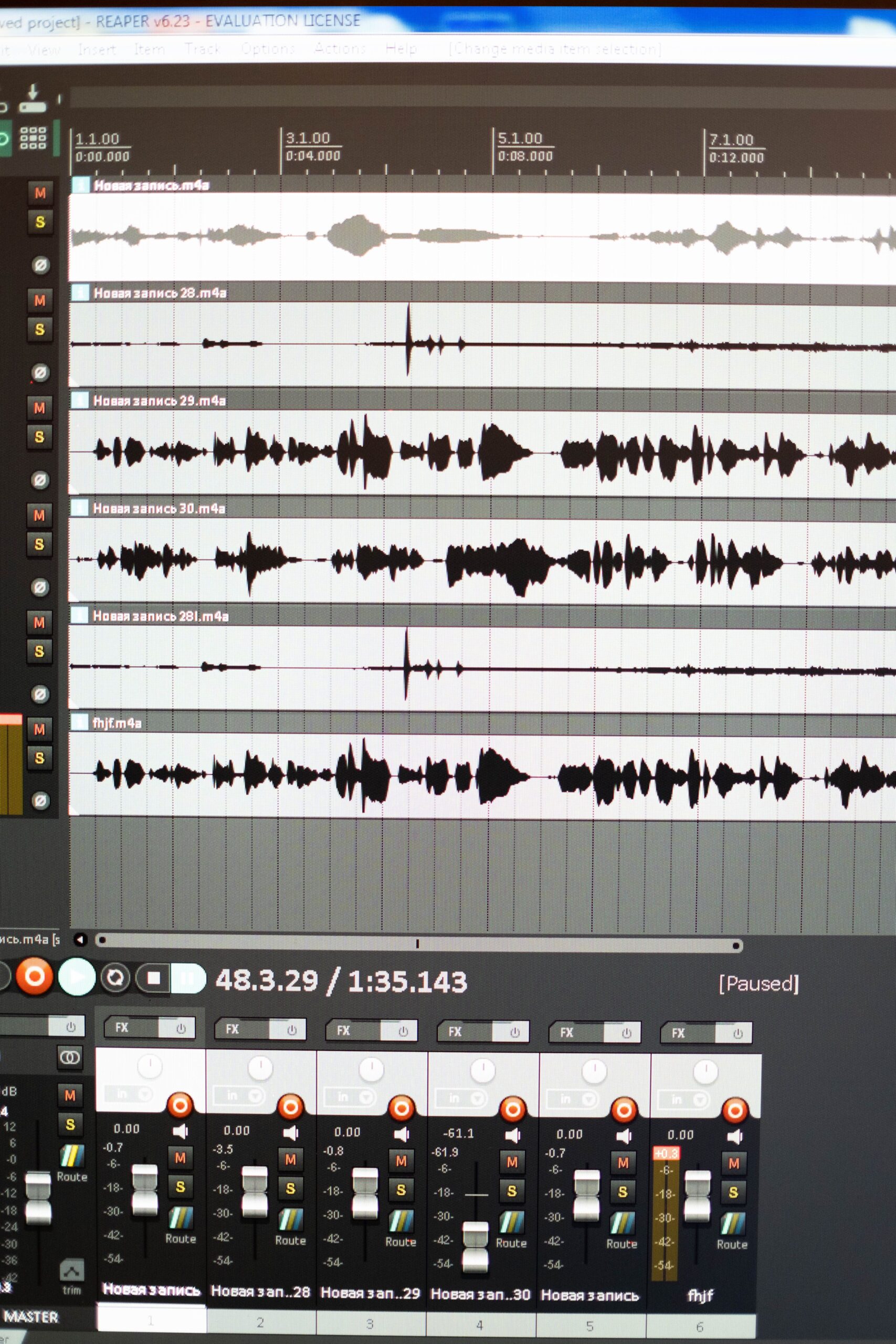
Reaper DAW offers a robust platform for music production that many users explore as an alternative to pricier options, though its licensing model requires clarification upfront. After a 60-day evaluation period, Reaper requires purchase of a discounted license at $60 or a full license at $225, making it affordable rather than permanently free. This structure positions Reaper as a cost-effective choice compared to subscription-based tools, yet it does not qualify as entirely free music production software like some open-source alternatives.
Core Features That Define Reaper DAW
Reaper includes unlimited audio and MIDI tracks, non-destructive editing, and support for VST, VST3, AU, and DX plugins. Users benefit from built-in ReaPlugs effects such as ReaVerb, ReaComp, and ReaEQ, which deliver professional-grade processing without additional purchases. The software supports multi-channel recording up to 64-bit floating point, with flexible routing options that allow complex signal flows for mixing and mastering. Automation lanes provide precise control over parameters, while the media explorer integrates sample browsing directly into the workflow.
Reaper excels in customization through its scripting language and theme editor. Advanced users script macros in Lua or EEL to automate repetitive tasks, enhancing efficiency during long sessions. The 64-bit architecture ensures stability with large projects containing hundreds of tracks and plugins.
User Interface and Workflow Efficiency
The interface in Reaper remains highly configurable, featuring dockable windows, customizable toolbars, and multiple track views. Producers can switch between mixer and arrange views seamlessly, with color-coded tracks and folders for organization. MIDI editing tools include piano roll, event list, and notation views, supporting detailed composition work.
Keyboard shortcuts dominate navigation, speeding up operations once learned. The action list menu grants access to nearly every function, searchable by keyword for quick execution. This setup suits both beginners adapting from simpler DAWs and professionals managing intricate arrangements.
Performance and System Requirements
Reaper runs efficiently on modest hardware, supporting Windows, macOS, and Linux with low CPU overhead. Projects load quickly, and rendering occurs at speeds competitive with industry leaders. Users report stable performance with buffer sizes as low as 64 samples during live monitoring.
Resource management features like track freezing and plugin delay compensation maintain timing accuracy across sessions. The software handles surround sound and video integration for film scoring tasks without performance drops.
Comparisons with Other Music Production Software
When evaluating Reaper against free options like Cakewalk by BandLab or LMMS, Reaper provides superior plugin compatibility and routing depth. Cakewalk offers solid MIDI tools but lacks Reaper’s extensive customization. LMMS focuses on electronic genres with built-in synthesizers yet falls short in professional mixing capabilities.
Against paid competitors such as Ableton Live or FL Studio, Reaper delivers comparable track counts and effects at a fraction of the cost. Ableton shines in live performance with session view, while Reaper emphasizes timeline flexibility. FL Studio’s pattern-based workflow contrasts with Reaper’s linear arrangement strengths. GarageBand serves entry-level users on Apple devices but restricts advanced routing found in Reaper.
Pricing Structure and Value Assessment
Reaper’s evaluation period allows full access for testing, after which the license unlocks continued updates. Commercial users gain a discounted rate for smaller operations, and educational discounts further reduce barriers. This model undercuts subscription services that accumulate higher long-term expenses.
Value emerges through the absence of feature locks post-purchase. All core functions remain available indefinitely once licensed, unlike some free DAWs limited by nag screens or export restrictions.
Community Resources and Learning Curve
Active forums and user-generated tutorials support Reaper adoption. The Cockos website hosts documentation and example projects, while third-party sites share custom themes and scripts. YouTube channels demonstrate techniques ranging from basic recording to advanced automation.
The learning curve steepens initially due to the dense interface but flattens with practice. New users start with default templates for vocals, bands, or electronic music before tailoring setups.
Suitability for Different Genres and Users
Electronic producers leverage Reaper’s MIDI capabilities and plugin hosting for sound design. Rock and acoustic engineers appreciate multi-track recording fidelity and mixing tools. Podcasters and video editors utilize its lightweight footprint for quick edits.
Home studios benefit from portability across operating systems, while collaborative teams export stems in standard formats without compatibility issues.
Plugin Ecosystem and Expansion Options
Native support for third-party plugins extends Reaper’s reach. Users integrate popular instruments like Serum or Kontakt seamlessly. JSFX scripts add lightweight effects coded directly in the software for unique processing chains.
Expansion remains straightforward through folder-based organization of samples and presets.
Recording and Editing Capabilities
Input monitoring options include direct hardware passthrough and software-based effects. Editing tools feature ripple editing, slip editing, and spectral editing for precise waveform manipulation. Time-stretching algorithms preserve quality during tempo adjustments.
MIDI overdub recording captures performances accurately, with quantization and humanization features refining timing.
Mixing and Mastering Tools
Channel strip modules combine EQ, compression, and gating in single interfaces. The master bus supports loudness metering compliant with streaming standards. Export options include dithering and sample rate conversion for final delivery.
ReaSurround and panning tools handle immersive audio formats effectively.
Limitations to Consider
Initial setup demands time investment for optimal configuration. Some users note the default appearance requires theming for visual appeal. While documentation exists, certain advanced scripting topics rely on community knowledge.
Integration with Hardware and External Devices
MIDI controller mapping occurs via the learn function, supporting faders, knobs, and pads. Audio interfaces configure through ASIO drivers for low-latency operation on Windows. Linux users access JACK for professional routing.
This flexibility extends Reaper’s utility in hybrid analog-digital setups.